Betwinner App
Betwinner app gives users in Zambia mobile access to sports betting, casino games, live events, bonuses, payments, and account settings. The application is designed for players who prefer to manage their profile from a smartphone instead of using the desktop version. It can be useful for checking odds, placing bets, opening casino games, reviewing transactions, and changing account settings from one mobile interface.
Before installing the app, users should check device compatibility, download source, file permissions, and login details. These points are especially important for Android users who may need to install an APK file manually. Using the correct source helps avoid modified files, fake apps, and technical problems that can affect access to the account.
This guide explains how the Betwinner app works, where to download it safely, which features are available on mobile devices, and how it differs from the browser version. It also covers installation steps, updates, payments, security settings, and common issues that may appear during mobile use.

What Is the Betwinner App
The Betwinner app is a mobile application that provides access to sports betting, casino games, payments, and account tools from a smartphone or tablet. Users can open sports markets, place bets, check live events, manage their balance, review bonuses, and change profile settings through a single mobile interface. The app is intended for players who prefer direct mobile access instead of using the website through a browser.
Advantages Over the Web Version
The mobile application is optimized for speed, stability, and fewer actions per operation.
Main advantages include:
- faster loading of sports markets and live events
- simplified navigation with fewer taps required
- stable operation even with weaker mobile networks
- direct push notifications for odds changes and results
- instant access to account functions after Betwinner Register
Device Compatibility and Requirements
The application supports most modern Android smartphones used in Zambia.
Minimum technical requirements:
- Android version: 5.0 or newer
- free storage space: about 120 MB
- RAM: at least 2 GB recommended
- stable mobile internet or Wi-Fi connection
Typical device compatibility parameters:
| Parameter | Requirement |
| Operating system | Android 5.0+ |
| Installation file size | 60–80 MB |
| Installed app size | ~120 MB |
| Recommended RAM | 2–4 GB |
| Supported devices | Smartphones and tablets |
How to Download the Betwinner App
The Betwinner app is usually offered as an APK file for Android devices, so users can install it directly from the official platform source. Before downloading the file, it is important to check the website address, device compatibility, storage space, and security settings on the phone. A stable internet connection is also recommended, because an interrupted download can cause installation errors or a corrupted APK file.
Official Download Sources
The safest way to get the Betwinner app is through official platform channels. These files are tested by the internal security system before publication. Each APK build passes integrity verification and server compatibility checks.
Official download sources include:
- the Betwinner official website mobile section
- direct download links provided inside the user account area
- official partner pages distributing verified installation files
Security checks applied to the APK include:
- digital signature verification before installation
- automatic file hash validation during download
- server compatibility testing before release
Typical download parameters:
| Parameter | Value |
| APK file size | 60–80 MB |
| Average download time (4G) | 15–30 seconds |
| Installation time | 20–40 seconds |
| Update frequency | 1–2 updates per month |
APK vs Mobile Web: Differences
Both the APK application and the mobile website provide access to the Betwinner platform, but their technical structure differs. The mobile web version runs inside a browser and depends on page requests. The application stores part of the data locally, which reduces loading time and improves stability.
| Parameter | APK | Mobile Web |
| Access method | Installed application | Browser |
| Average loading speed | 1.5–2 seconds | 3–4 seconds |
| Push notifications | Available | Not available |
| Offline session stability | Higher | Limited |
| Data caching | Yes | No |
| Navigation steps | 3–4 actions | 5–6 actions |
Installing the App on Android
Android installation requires downloading the APK file and allowing installation from an external source in the phone settings. This step is needed because the app may not be available through standard app stores in some regions. Before starting the process, users should check the download source, confirm that the file is complete, and make sure the device has enough free storage for installation.
Steps to Install the APK
The installation process follows a simple sequence. Each step takes only a few seconds if the Betwinner APK file is already downloaded.
Installation steps:
- Download the Betwinner app APK file to your device.
- Open the downloaded file from the notification panel or file manager.
- Enable the “Allow installation from unknown sources” option if prompted.
- Confirm installation and wait for the process to complete.
- Launch the application from the home screen.
Typical installation duration:
| Step | Average Time |
| APK download | 15–30 seconds |
| Security confirmation | 5–10 seconds |
| Installation process | 20–40 seconds |
| Total setup time | under 1 minute |
Permissions and Initial Setup
After installation Betwinner, the application may request several basic permissions required for normal operation. These permissions help the app display notifications, store session data, and improve performance.
Common permission requests include:
- internet access for loading markets and account data
- notification access for odds updates and bet results
- storage access for caching temporary files
- device information for compatibility detection
Typical configuration steps after the first launch:
- select the interface language
- log in or create an account
- enable push notifications if desired
- set preferred sports or casino sections

App Legality and Security
The Betwinner app operates under the same legal and technical framework as the main platform. All mobile sessions connect to the same servers that process bets, payments, and account actions. Security protocols remain identical to the desktop system. Internal monitoring tools analyze thousands of login attempts and financial operations each hour. Suspicious activity is flagged automatically and may trigger temporary restrictions until verification is completed.
Licensing and Security Standards
The platform functions under an international gaming license that regulates betting operations and player protection. The mobile application follows the same compliance rules as the Betwinner website version. All transactions pass through encrypted channels that prevent interception of financial or personal data.
Core security standards include:
- SSL encryption for all data transfers between device and server
- multi-layer server protection against unauthorized access
- automatic monitoring of suspicious login behavior
- account verification procedures before large withdrawals
- encrypted storage of sensitive account credentials
User Data Protection
User information stored in the Betwinner app is protected through several technical layers. Personal data, payment details, and login credentials are processed only within the secured platform environment. The mobile application does not store financial data directly on the device.
Key data protection measures include:
- encrypted communication between the app and platform servers
- secure token-based login sessions instead of permanent credentials
- automatic logout after long inactivity periods
- account verification before sensitive profile changes
- monitoring of unusual login locations or devices
APK File Security
The Betwinner APK file is generated and distributed by the official platform infrastructure. Before release, each version undergoes internal testing to confirm compatibility, stability, and file integrity. Digital signatures attached to the installation package allow the system to verify that the file has not been altered.
Why the APK Is Safe
Several technical mechanisms help ensure that the installation file remains authentic and unchanged.
Important safety factors include:
- a unique digital signature applied to each official APK version
- file integrity verification during installation
- controlled distribution through official platform channels
- compatibility testing with common Android devices
How to Avoid Fake Apps
Unofficial application copies sometimes appear on third-party download websites. These versions may contain modified code or unwanted software. Installing such files can create security risks or prevent proper connection to the platform servers.
To avoid fake applications:
- download the Betwinner only from official platform pages
- check that the file name and size match the official version
- avoid APK files distributed through unknown websites
- do not install applications that request unusual device permissions
Main App Features
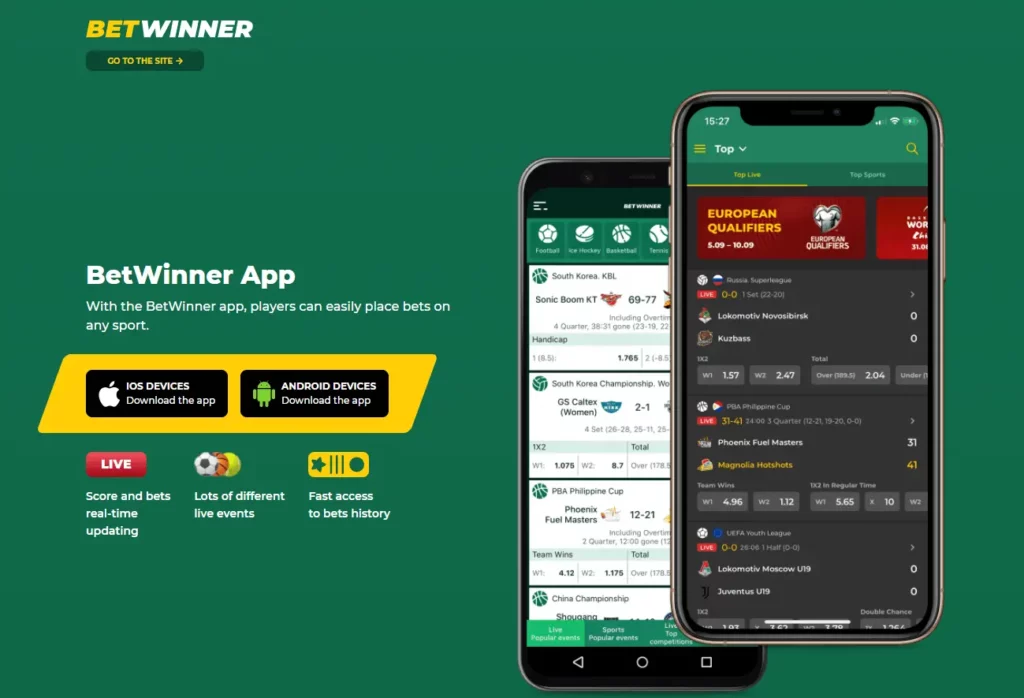
The Betwinner app gives users access to the main platform sections from a mobile device, including sports betting, live events, casino games, payments, bonuses, and account settings. The interface is built around quick navigation, so the most used sections are usually available from the main menu or bottom panel. Users can check odds, follow live markets, open games, review bet history, and manage their balance without returning to the desktop version.
Sports Betting and Casino
The sports section covers major global leagues as well as regional competitions relevant to Zambian users. Markets update instantly during live matches, allowing players to react to changing game situations.
Core sports betting functions include:
- pre-match and live betting on football, basketball, tennis, and more
- thousands of betting markets available daily
- live odds updates without manual page refresh
- bet slip calculation in real time
- cash-out availability for selected markets
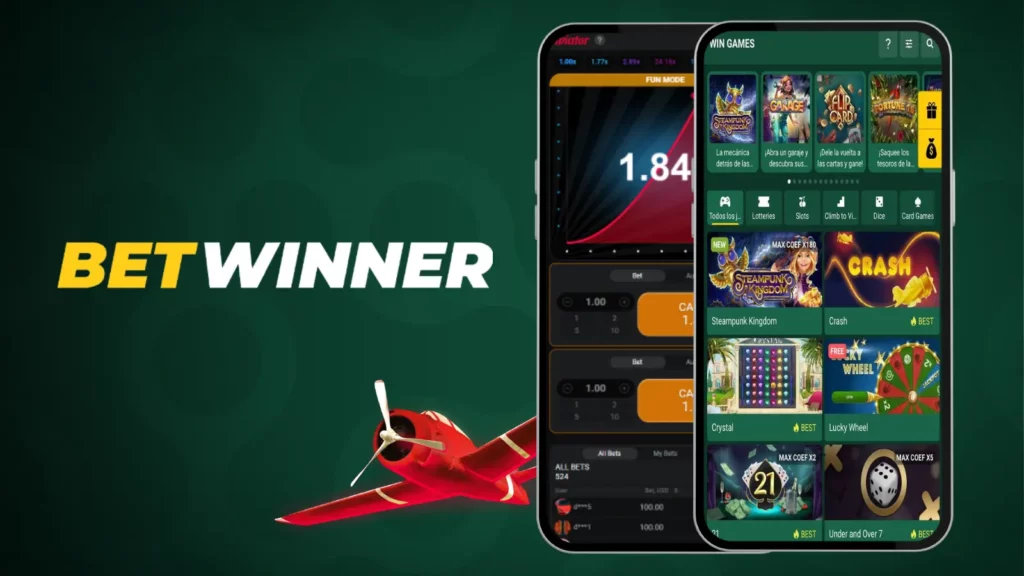
The casino section is integrated directly into the Betwinner application. Players can switch between betting and casino games without leaving the main interface.
Casino features include:
- hundreds of slot titles from international providers
- live dealer tables with real-time streaming
- instant games with fast result cycles
- automatic balance synchronization with the main account
Navigation and Personalization
The application interface is designed to reduce the number of actions needed to access key functions. Most sections are reachable within two or three taps from the main screen.
Navigation tools include:
- bottom menu with quick access to sports, casino, and account sections
- search function for teams, leagues, and events
- favorites list for frequently followed competitions
- live match filters for active games
Personalization options help players organize the interface based on their preferences.
Customization features include:
- selecting preferred sports leagues
- saving favorite betting markets
- enabling notifications for selected events
- adjusting interface language and odds format
Registration and Login
Account access inside the Betwinner app follows the same authentication system used on the platform website. Users can register directly through the mobile interface or enter existing credentials. The login process takes only a few seconds and provides full access to betting, payments, and account management. Returning players simply enter their credentials through the Betwinner Login screen to access their profile.
Create an Account in the App
Registration inside the application requires only basic personal information. Most users complete the process in under one minute.
Steps to create an account:
- Open the registration section in the application menu.
- Select the preferred registration method.
- Enter required personal information.
- Verify your Betwinner account using your chosen verification method.
- Access the account dashboard and begin using platform features.
Common registration options include:
- phone number registration
- email registration
- one-click registration with minimal data
Secure Access and Recovery
The Betwinner includes several tools to protect user accounts and restore access if login information is lost.
Security tools include:
- password protection for all account sessions
- optional verification procedures during sensitive actions
- automatic logout after inactivity
If a user forgets login credentials, access can be restored through the Betwinner recovery system.
Recovery options include:
- password reset through email or phone number
- verification of account ownership through confirmation codes
- support assistance for identity confirmation if required
Payments in the Betwinner App
The Betwinner app allows users to manage deposits and withdrawals directly from the mobile interface. All financial operations connect to the same payment system used on the main platform. Transactions are processed automatically through integrated payment gateways. According to internal data, most deposits in Zambia are completed in under one minute. Payment options depend on regional availability and verification status, but Betwinner always displays methods supported for the user’s account.
Deposit Methods
Several payment methods are available for adding funds through the mobile application. The Betwinner system automatically displays options compatible with the user’s region and currency.
Common deposit methods include:
- mobile money services used in Zambia
- bank cards such as Visa and Mastercard
- electronic wallets when available
- cryptocurrency transfers through supported wallets
Typical deposit characteristics:
- minimum deposit usually starts from about 1 USD equivalent
- most deposits are processed instantly
- the platform does not charge internal deposit fees
- the balance updates immediately after payment confirmation
Withdrawals and Limits
Withdrawal availability depends on the payment method used for deposits and the verification status of the account. Internal payment statistics show that most withdrawal requests are processed within minutes when automated systems handle the request.
| Parameter | Typical Value |
| Minimum withdrawal | 1.5 USD equivalent |
| Maximum per transaction | up to 10,000 USD equivalent |
| Processing time | instant to 15 minutes |
| Daily withdrawal limit | up to 50,000 USD equivalent |
| Verification requirement | required for higher limits |
Using the App on PC
Although the Betwinner app is designed for mobile devices, some users prefer running it on a computer. This can be done using Android emulator software that simulates a mobile environment on a desktop system. Internal compatibility tests show that most modern emulators can run the application without performance issues when the computer meets basic hardware requirements.
Android Emulators
Android emulators allow users to install the mobile application on Windows or macOS systems. The emulator creates a virtual Android device where APK files can run normally.
Typical emulator setup steps:
- Install an Android emulator on the computer.
- Launch the emulator and configure the virtual Android device.
- Download the Betwinner APK file.
- Install the APK inside the emulator environment.
- Open the application and log in to the account.
For stable operation, the computer should meet basic hardware conditions:
- at least 4 GB of RAM
- modern multi-core processor
- stable internet connection
Mobile App vs Desktop
The Betwinner mobile app and desktop website provide access to the same platform, but differ in interface structure and optimization for different devices.
| Parameter | Mobile | Desktop Version |
| Primary device | Smartphone or tablet | PC or laptop |
| Navigation style | Touch interface | Mouse and keyboard |
| Push notifications | Available | Not available |
| Market loading speed | Faster on mobile networks | Depends on browser |
| Installation required | Yes | No |
| Screen workspace | Compact layout | Larger interface |
Bonuses and Promotions
The Betwinner app provides access to the same promotional system available on the main platform. All bonuses, tournaments, and loyalty programs can be activated directly from the mobile interface. Internal statistics show that more than half of active users participate in at least one promotion each month. The application includes a dedicated promotions section where Betwinner players can track available offers, wagering requirements, and bonus expiration times.
Bonuses for App Users
New players who install the Betwinner can activate the welcome bonus during their first deposit. The exact bonus structure may change depending on promotions available in the region, but the system usually increases the initial deposit balance.
Typical welcome bonus characteristics include:
- bonus percentage applied to the first deposit
- wagering requirements before withdrawal
- minimum deposit required to activate the offer
- limited activation period after registration
Other bonus types available inside the Betwinner application:
- reload bonuses for additional deposits
- free spins for selected casino games
- cashback on losing bets or casino sessions
- accumulator bonuses for multi-bet tickets
Mobile Promotions
Some promotions are designed specifically for mobile users. These offers encourage players to place bets through the application rather than the browser version.
Common mobile-focused promotions include:
- exclusive bonuses available only in the Betwinner app
- special odds boosts for selected sports events
- tournament leaderboards for casino play
- seasonal promotions linked to major sports competitions
Problems and Solutions
Like any mobile application, the Betwinner app may occasionally encounter technical issues depending on device configuration, internet quality, or outdated software. Most problems are resolved quickly through basic troubleshooting steps. Our technical support team also monitors error reports generated by the system to identify and fix recurring issues.
App Not Installing or Opening
Installation problems usually occur because of device settings or incomplete downloads. Most Betwinner users resolve these issues in a few simple steps.
Common causes and solutions:
- Unknown sources disabled
Enable installation from unknown sources in Android security settings. - Incomplete APK download
Delete the file and download the Betwinner app again from an official source. - Insufficient storage space
Free at least 200 MB of device storage before installing the application. - Outdated Android version
Update the device system to Android 5.0 or newer. - Corrupted installation file
Remove the APK and install a fresh version.
Errors and Compatibility
Some users may experience performance issues related to device compatibility or unstable internet connections.
Typical problems and practical solutions include:
- Application freezes or crashes
Restart the app or clear temporary data in device settings. - Slow loading of markets
Check internet connection or switch between mobile data and Wi-Fi. - Login errors
Confirm that the correct account credentials are used and check server connection. - Outdated application version
Install the latest update of the Betwinner app. - Device compatibility limitations
Use a newer Android device that meets the minimum system requirements.
App Updates
The Betwinner app is updated regularly to maintain stable performance and improve platform functionality. Internal release cycles usually include one or two updates per month. These updates fix technical issues, improve loading speed, and introduce new betting tools. Because the application is distributed as an APK file, users can install updates directly without waiting for external store approval. Keeping the app updated ensures compatibility with current Android systems and the latest Betwinner platform features.
How to Update the App
Updating the Betwinner app requires downloading the newest APK version and installing it over the existing application. The process usually takes less than one minute.
Steps to update the application:
- Open the official Betwinner platform page.
- Download the latest version of the Betwinner APK file.
- Launch the downloaded file from the device storage.
- Confirm installation to replace the previous version.
- Open the application and continue using the updated interface.
Important update recommendations:
- always download updates from official sources
- ensure at least 150 MB of free storage space
- maintain a stable internet connection during download
New Features
Most updates include performance improvements and new tools for the Betwinner platform.
Typical improvements introduced in updates include:
- faster loading of sports markets and live events
- improved stability during high betting activity
- interface adjustments for easier navigation
- expanded support for additional Android devices
- updated notification systems for match events
Some updates also introduce new betting features, casino games, or improved account tools. Installing the latest version ensures that players always access the most stable and functional version of the Betwinner app.
FAQ
Players in Zambia can download the mobile version directly from the official Betwinner Zambia website. The installation file is provided as an APK for Android devices and can be installed in less than a minute. After installation, users gain full access to sports betting, live markets, casino games, and account management.